Deep-Sequence
- images with depth -
CONCEPT
Deep-Sequences are made to create and view images, based on multiple photos of different focal length. They shall combine wide shooting angles and a high level of zoom into single images or image "sequences" with depth.
To showcase the concept, an App has been created. It shall take photos with all backside cameras at the same time, transform them in zoom, rotation and displacement and arrange them onto each other, while the deepest zoomed image lies on top.
Parts of the procedure are patented (DE 10 2021 005 196).
The innovative new application - as presented here - is registered for patent.
6 Steps to go:
Calibration process (1)
Setting the focus (2)
Taking the photos (3)
Transformation (4)
Viewing the results (5)
Image export (6)
Calibration process
As the backside cameras of different focal length are static in position, direction and focal length, a transformation to combine the photos taken can use static parameters as well. This simply means that if the user wants to place an image of a telephoto lense onto an image of e.g. the ultra-wide-lense, the displacement from the edges, the zoom as well as the rotation is always the same. To find those parameters, either many photos with all of the backside cameras should be taken, arranged through feature recognition and -matching and examined, while average values can be extrapolated, or the manufacturer of the device should prepare the devices default parameters, that can be used to arrange the images.
Inside the showcase application, good transformations can be repeated, to save the configuration and use it for the next sequence. That means "stitching" only has to be used once.
Setting the focus
Either the user focuses an object manually or uses the autofocus function, preferably while viewing the sector of view that the deepest telephoto-lens captures, to accurately be able to focus.
Afterwards the focus of all other backside cameras is adjusted towards the same depth, so
the same parts in the overlying image-parts are blurred or focused.
The focus part can be skipped, as results created with a smartphone's default settings in this area may be sufficient.
Inside the showcase application no photos are taken, so the focus-part is not implemented as well.
Taking the photos
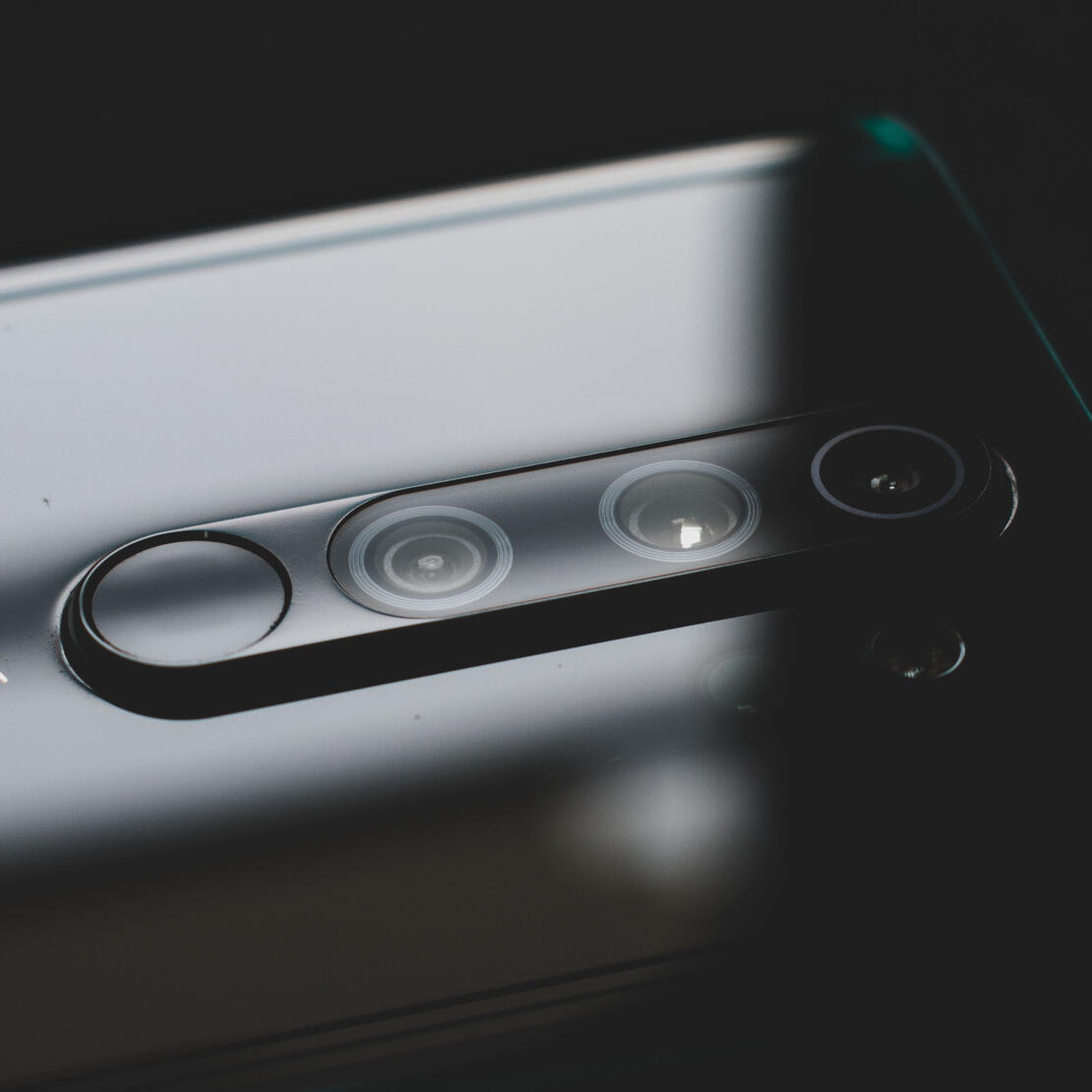
When the user captures the scene, all backside cameras of different focal length will take a photograph.
Taking the photos is yet not possible inside the showcase application, due to manufacturer restrictations depending the access to all backside physical lenses.
Transformation
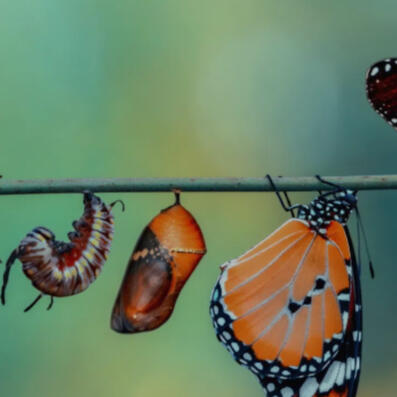
In terms of distortion, light and colour image manipulations may take place before they are being arranged. In terms of zoom, rotation and displacement the transformation parameters gathered from calibration or device-data can be used, to arrange and render the photos of different focal length inside a coordinate system. In this system, the photos with the highest focal length have the highest index, they are placed on top of those with wide shooting angles.
The showcase application is able to find those transformation parameters without the need of an external API - it's all happening inside the app.
Viewing the results
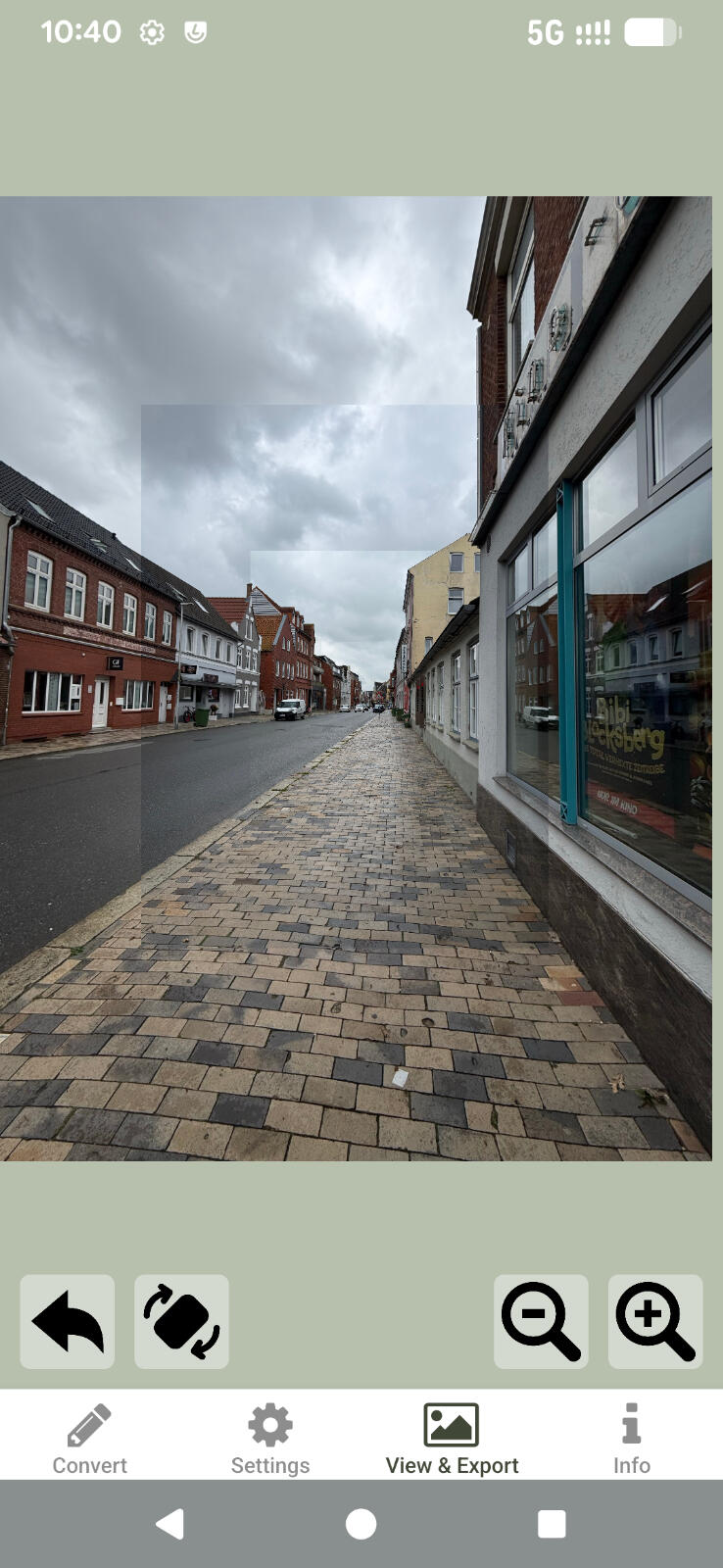
The photographs taken are NOT being combined - like taking several photos to create a panorama-image, saving it as a new raster-based image - instead they are rendered independently inside a parent View, which is used for zooming-gestures. This view includes the several animated images - the photographs taken with different focal length. They are being positioned, zoomed and rotated as set by the transformation parameters.
In this showcase application the zoom is fixed on the upper photograph, the photo taken with the camera of the highest focal length. This is because the edges are not made to be zoomed and the highest resolution can of course only be found in the centre. Also the positioning of the parent view is centered based on the upper photograph, it is placed exactly in the middle of the screen. The cameras of the testing smartphone used are not oriented in the same direction. For that reason the lowest image, the photograph with the widest angle, is being displaced to the left in this preview.
Image export
The image can be, if preferred, exported, using a point-based pixel structure based on exponentially growing pixels, with small pixels in the middle (where the telephoto-image is placed) and large pixels at the border.
The exported files can be scalable vector graphics (not suggested) or written in the new image-file-format based on jpeg, optimized for savings in space.
The app for individuals
A plain application, based on the showcase application introduced on the concept-page, to create and share Deep-Sequences, may be released to some App-Stores soon. If you are interested in using the application before the release, message us through the contact-tab.
Integration for Manufacturers
As stated on the concept page, there are difficulties accessing the physical lenses of a device. That means, to make use of the full functionality, smartphone-custom code has to be applied.
If you are a manufacturer seeking to use the full functionality inside your devices default photo-app, reading this example of integration is your way to go.
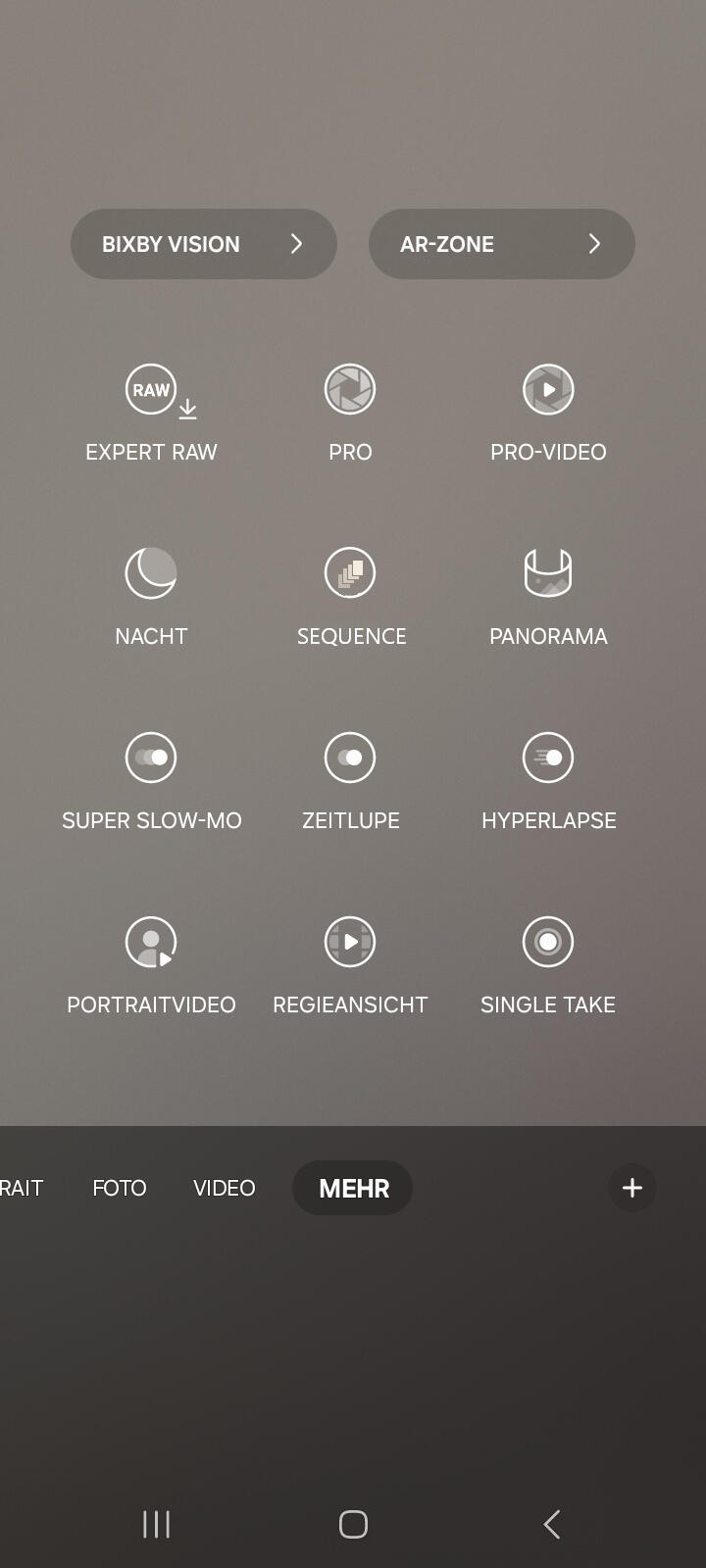
Inside the default photo app...
When opening a modern smartphone's default camera application there is usually the option to choose some special photo and video types, e.g. to create panoramic images. Deep-Sequences could fit in this category of special images, shown under "MORE".
When integrating the technology for a unique camera application or a manufacturer, a symbol like you can see here, right in the middle, will be created, enabling users to create Deep-Sequences.
All photos at once...
When tapping the symbol, the new photo tape is selected and the user can focus a scene. He may choose which lense to use for the display preview. The telephoto lense is suggested, as the user exactly knows what the center of the sequence will consist of. But maybe the user wants to see what area will be covered in total, so he or she should choose the ultra-wide lense.
No matter what the user is selecting at this point, photos will be created with all backside cameras.
This is the part where most of the integration takes place.
Modern phones are very fast in switching between lenses, if not their hardware even allows multiple cameras to be accessed at the same time.
The custom way a smartphone, it's physical lenses, the sensors and the connections are built, as well as the software thats used is often unique and requires administrative access, if not also unique software. As every physical camera uses it's own sensor, there should be a way for our team from Deep-Sequence to help building this.
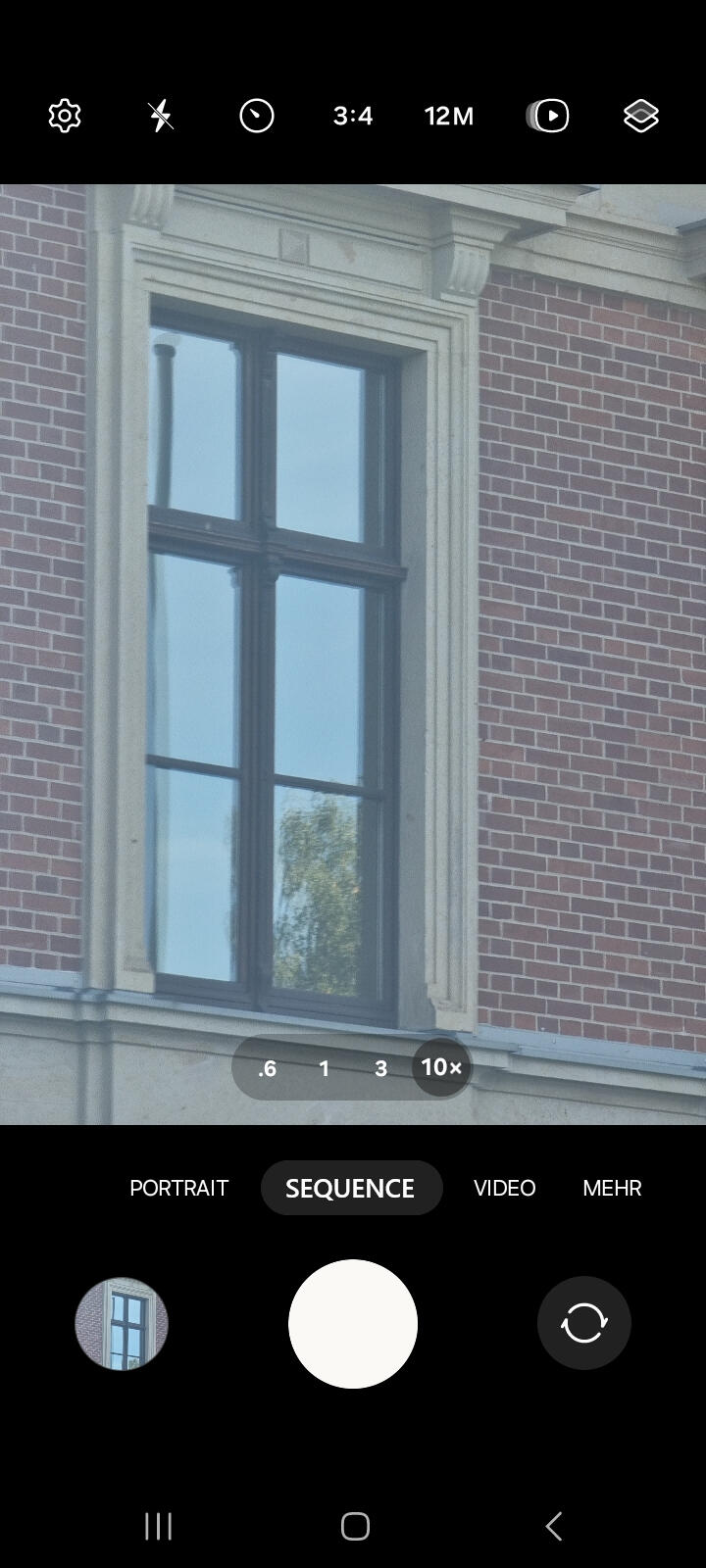
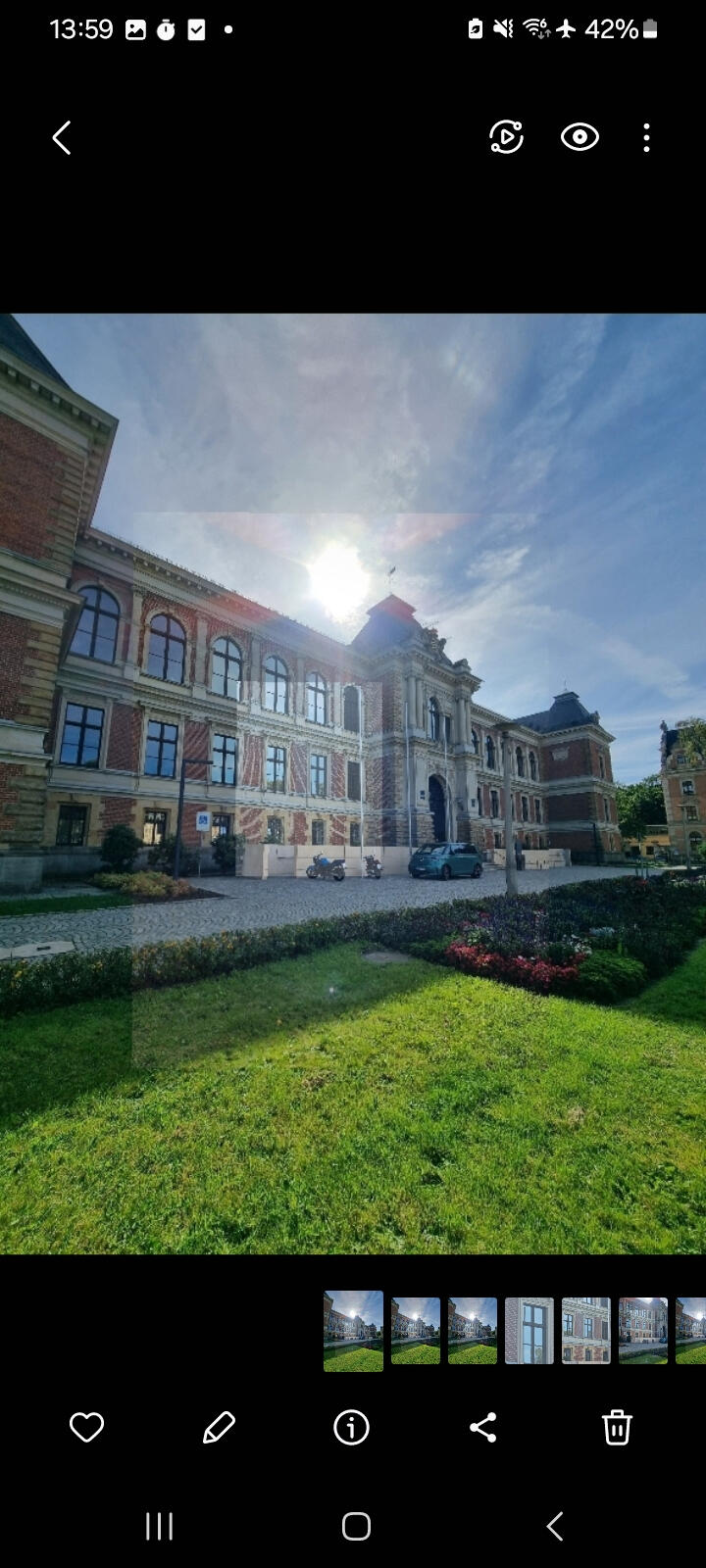
Fully automated process...
When integrating the technology for custom phones, manufacturers or applications, an improved calibration will be built in.
It enables user to set average transformation parameters, based on the static relation of position, zoom and direction of the physical lenses. This makes stitching unnecessary. The transformation takes place, the result is saved. The whole process from taking the photos to viewing it inside the galery takes two taps, one to take the photos and one to open the galery. It's even more straight forward than creating panoramic images.
The last part of a custom integration is enabling the preferred galery app to fastly displaying and zooming the results. The example on the left is not stitched perfectly, you can see at least three of the four images used for this sequence. After integrating, the Deep-Sequences shall be viewable just like normal photographs are.
This may help you stand out!
Integrating the Deep-Sequence technology by enabling simoultaneous photographs, custom calibration and galery compatibility, may help your devices or photo application stand out from the mass. People may use your phones and your applications, as they offer another new type of photographic elements.
Contact us to get in touch.
Contact
Below there is a way to get in contact with us, whether it is to leave feedback, get informed, get to download the showcase application or to work with us as a business.
P. Zetzsch, the inventor and main developer, works on ideas depending the technology and implements necessary functions for private and corporate use cases.
Someone else is managing all areas of publicity, he is a professional in media.
For all types of inquiries you can use the following E-Mail-adress: